Game Torch
A downloadable game for Windows
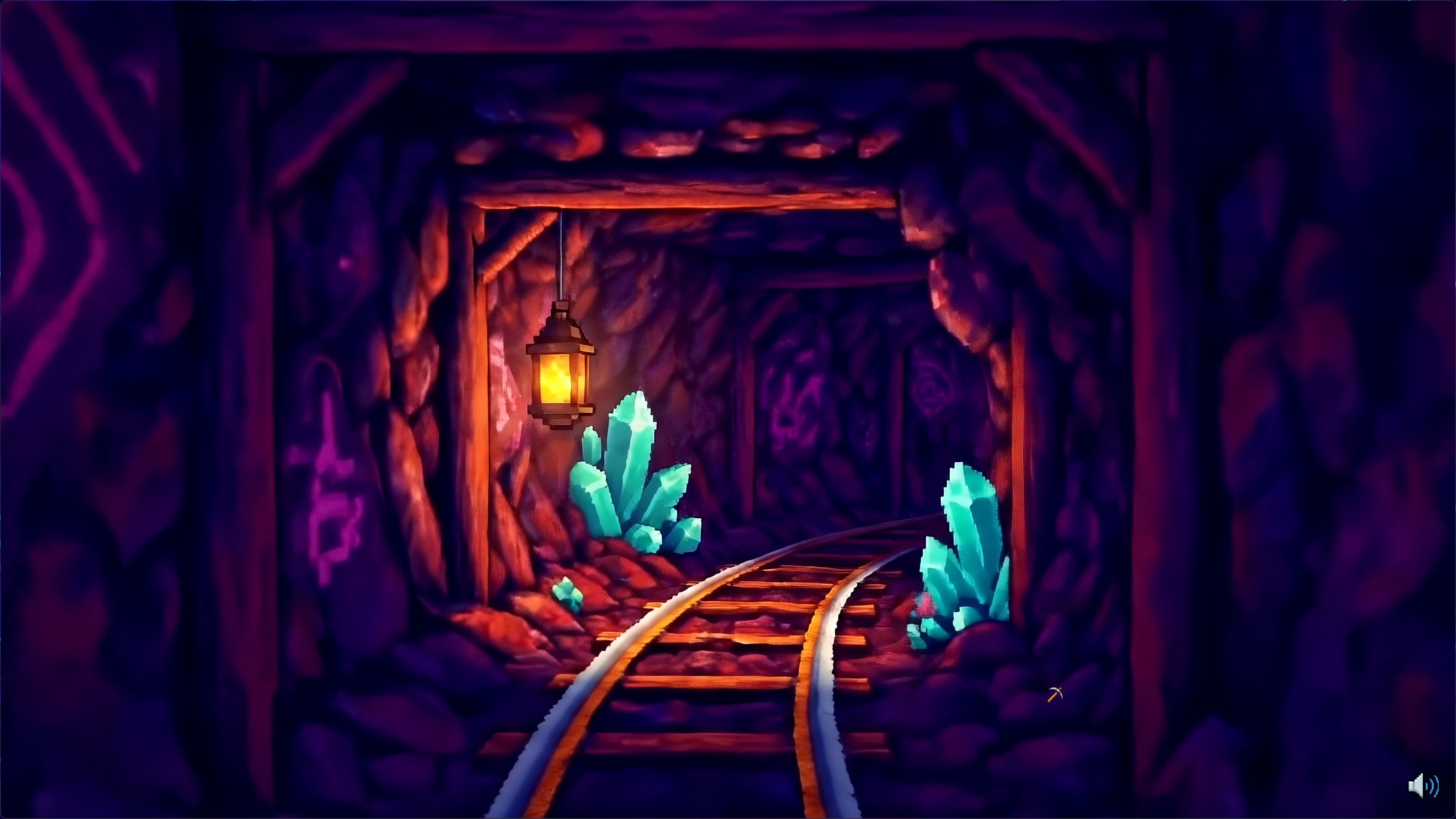
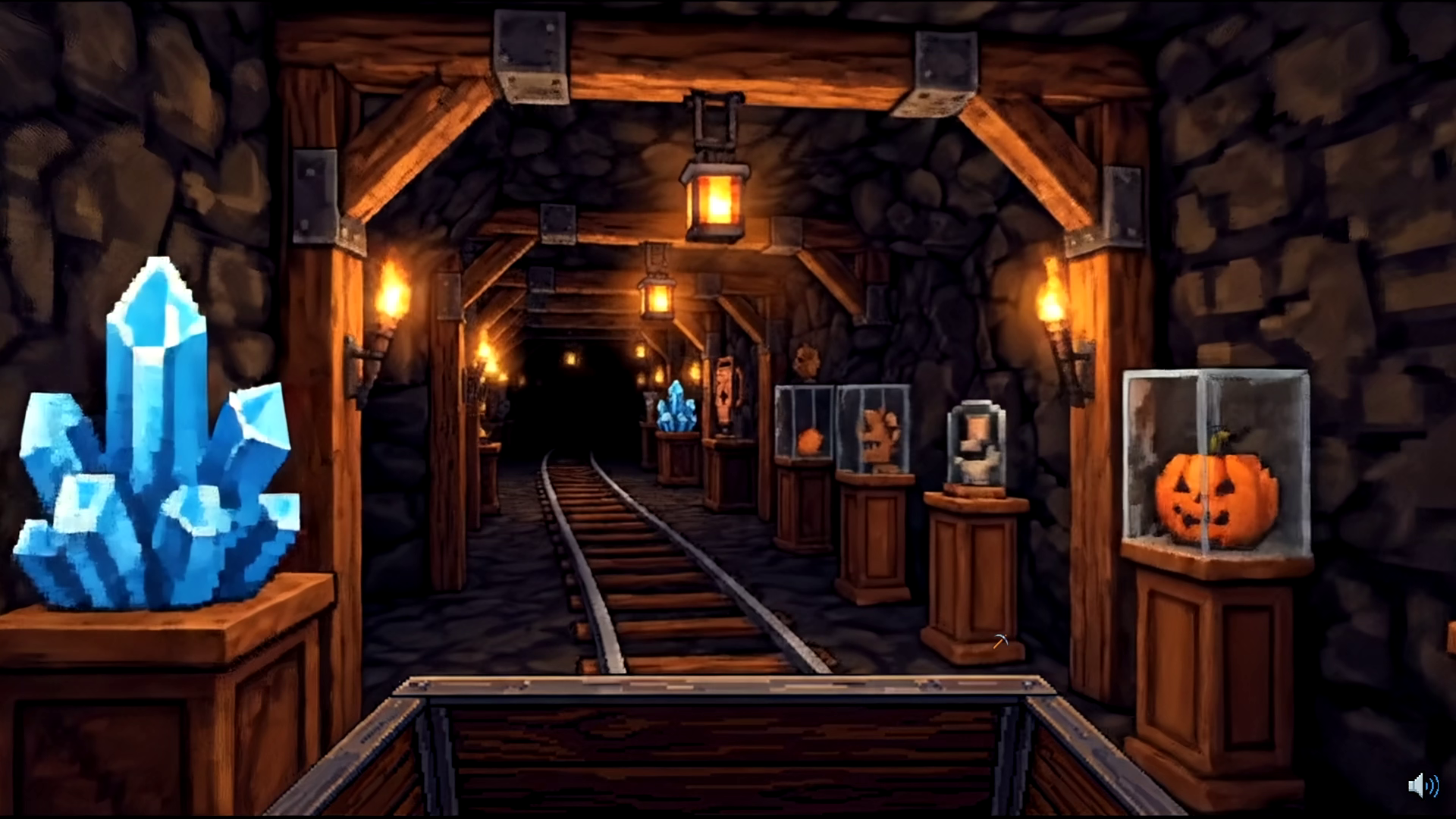
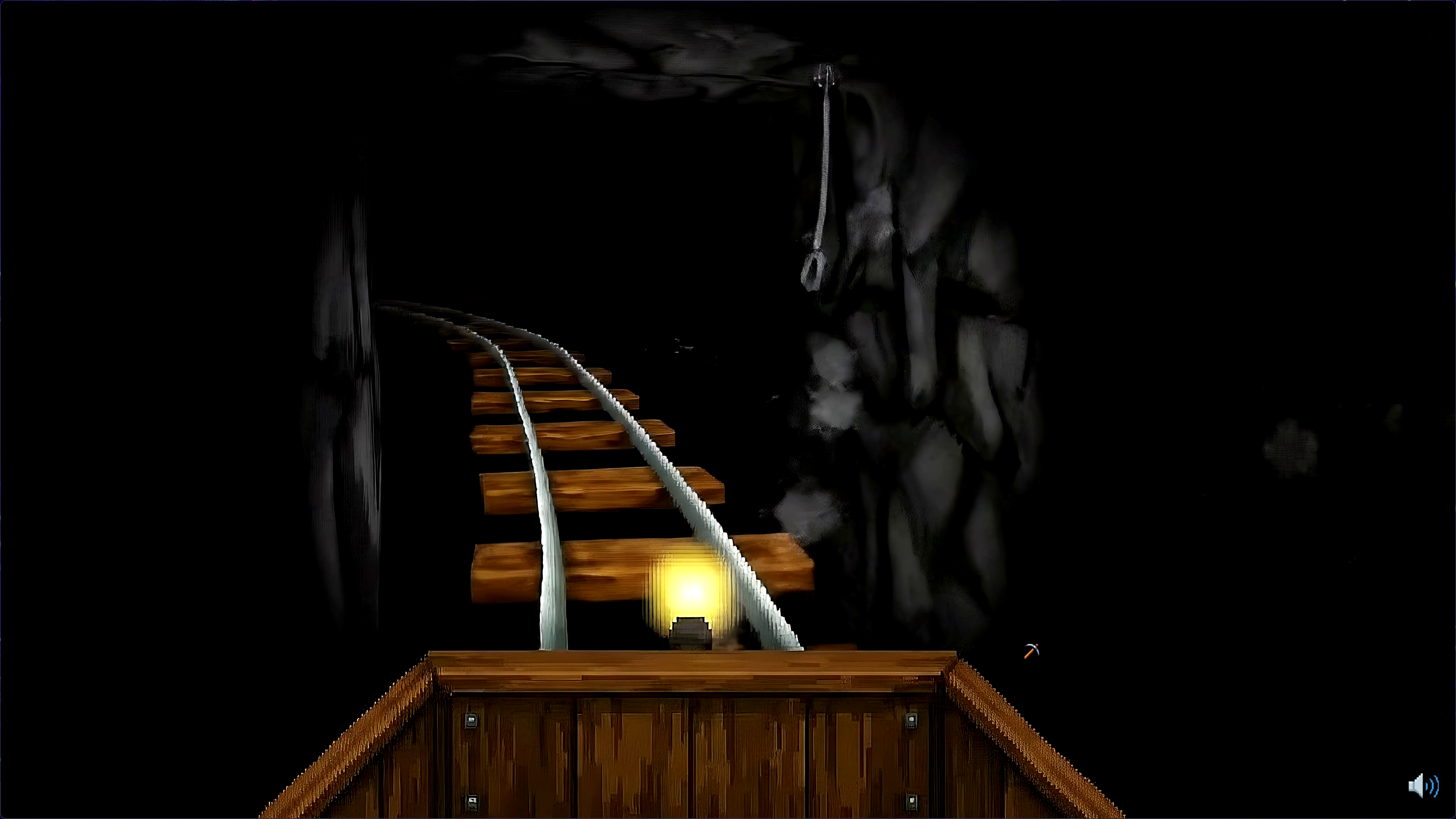
Game Torch is a retro-fueled minecart ride to find high-craft, community-vetted horror games FAST.
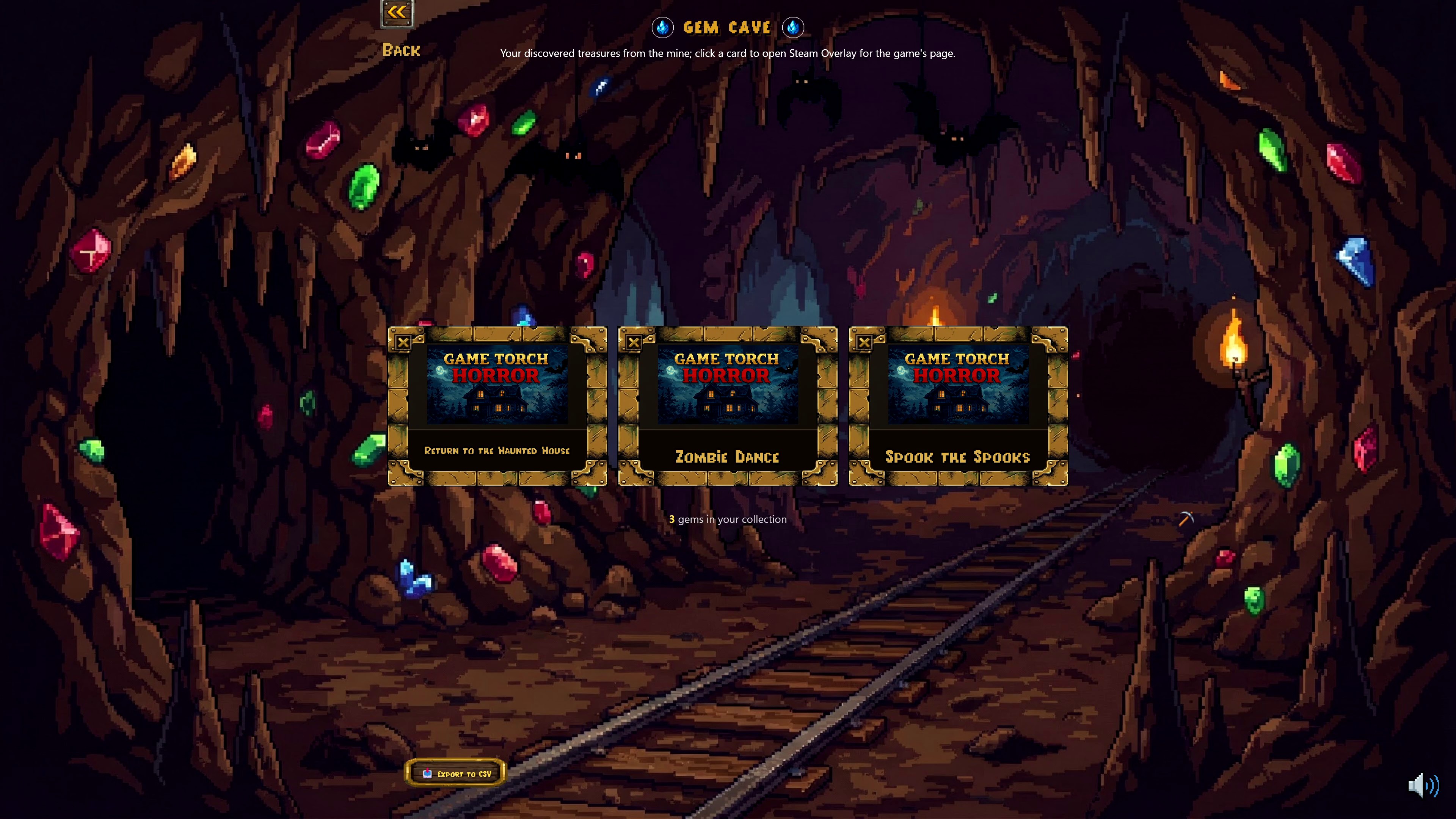
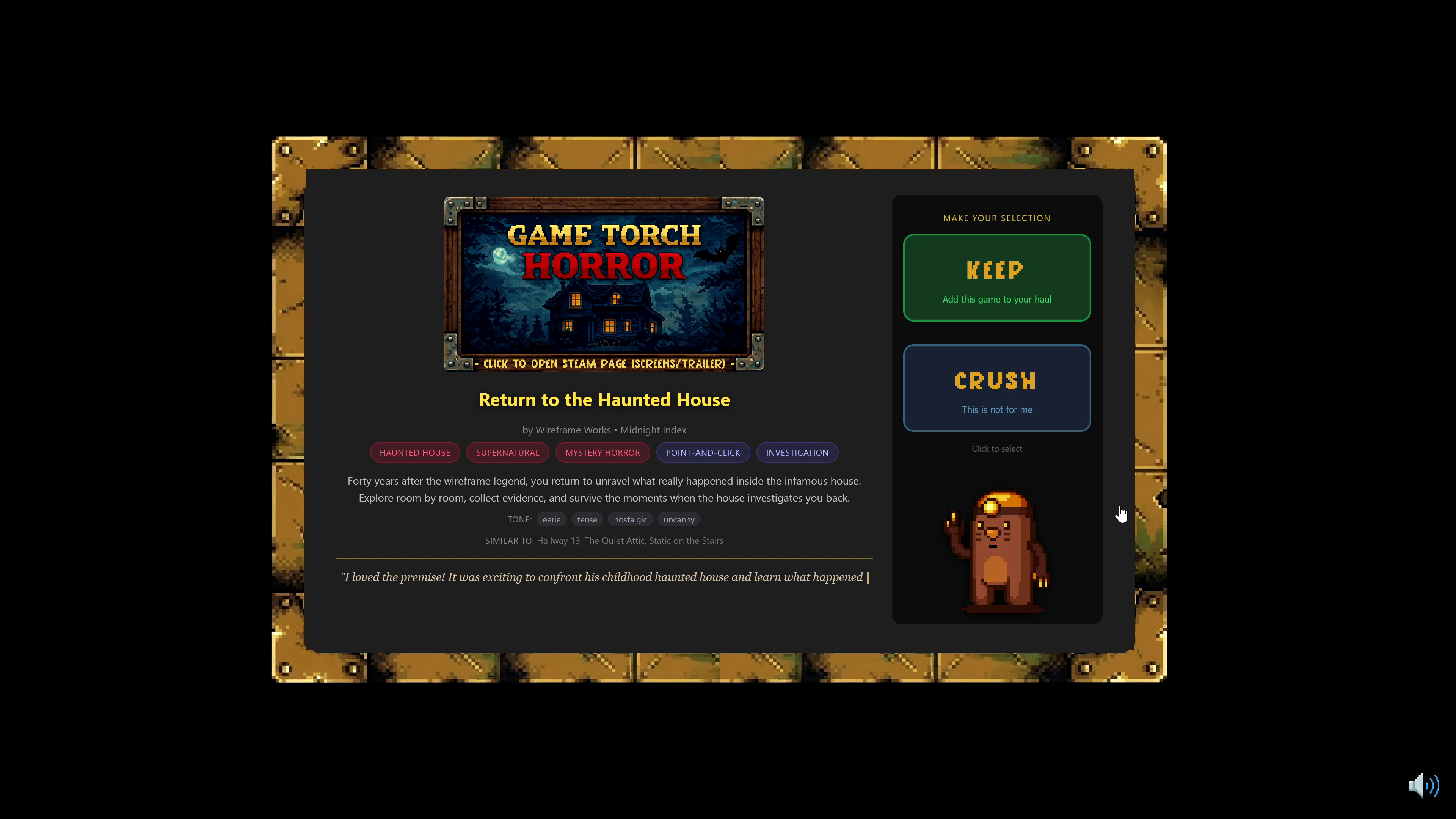
Discover real itch.io and Steam horror games with VHS-style blurbs and store page links, then choose: KEEP it in your bag or CRUSH it and move on. After each 6-game run, review your haul at Camp and build a personal Gem Collection you can reference or export anytime.
How it works:
- Discovery Runs: 6 game “gems” at a time (fast, focused, controller-friendly).
- Keep / Crush: Make gut decisions to remove games that don't interest you and build a high-quality list.
- Three Paths: Choose between Surface (popular hits), Cult (building a following), or Hidden (undiscovered greatness)
- Curated Horror: A hand-selected canon of over 1,200 titles
- No Noise: No ads, no sponsors, no paid placements. We don't collect analytics and the game can be played offline
- Ask Danny: Your cartoon mole minekeeper guide can give a quick personal take on certain titles that left a lasting impression on him.
Important Notes:
- Content Warning: This is a horror discovery app. While the app itself contains no explicit imagery, the games you can discover may range from "spooky" to "extreme." Some store page links may be gated by your Steam or itch.io content settings.
- AI Disclosure: Game Torch curation is 100% human. Some development assets (code, art, audio and text generation) utilized AI tools during production, but all runtime content is static and human-reviewed.
Disclaimer: Game Torch is an independent discovery tool and is not affiliated with, endorsed by, or sponsored by itch.io, Valve Corporation, Steam, or any third-party developer. All game descriptions are original content created by Game Torch. Game titles are used solely for identification purposes.
100% Free to Download
Download
Install instructions
Download & Install Instructions
Quick Start:
1. Download and extract the ZIP file
2. Run `GameTorch.exe`
3. That's it! No installation required.
System Requirements:
- Windows 10 or 11 (64-bit)
- ~500 MB disk space
- Microsoft Edge WebView2 Runtime (pre-installed on most modern Windows systems)
WebView2 Note:
Game Torch uses Microsoft's WebView2 to display its interface. This is already installed on Windows 10 (version 1803+) and Windows 11 by default. If the app shows a black screen or won't start, you may need to install WebView2 manually:
https://developer.microsoft.com/en-us/microsoft-edge/webview2/
Where is my save data?
Your collection and progress are saved to:
`%APPDATA%\GameTorch\save.json`
This persists between updates - just replace the exe and your gems are safe.
Development log
- Game Torch is live!Feb 02, 2026
Leave a comment
Log in with itch.io to leave a comment.